A Ribbon Cutting Announcement for a New Store
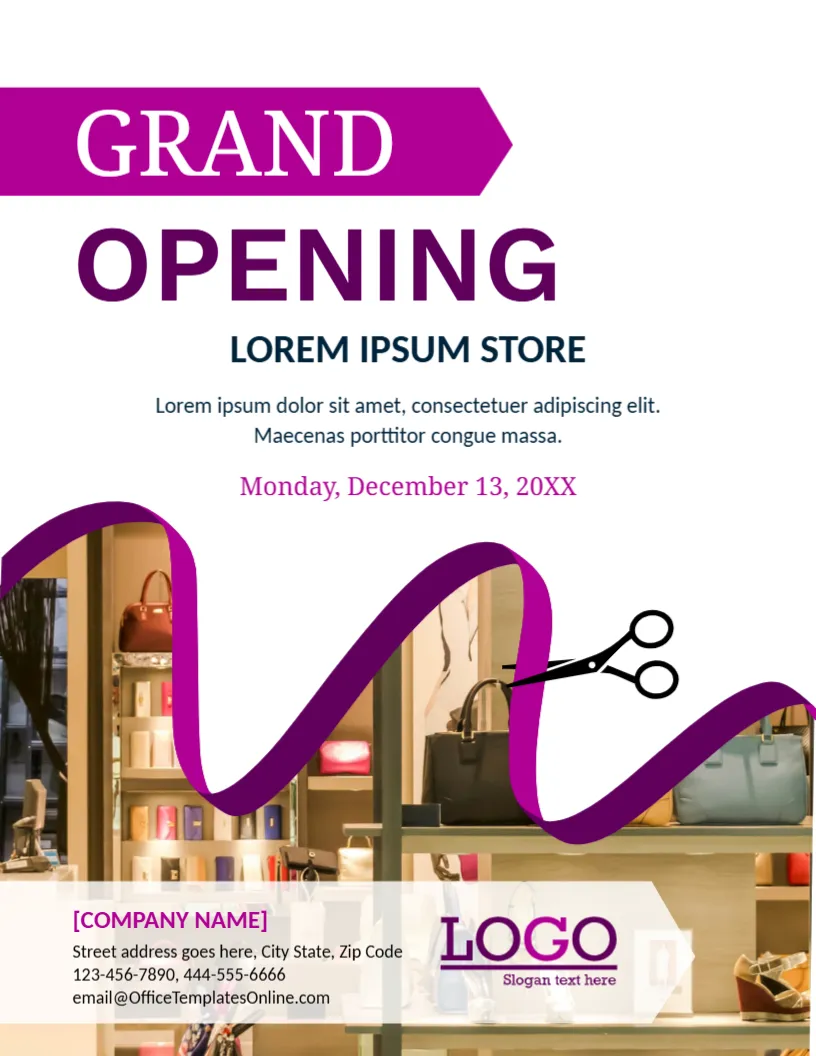
The ribbon and scissors on this announcement tell the story of an opening in one picture. A wavy purple ribbon winds across a photograph of a boutique with handbags and shoes, and large capitals proclaim GRAND OPENING. It suits shops, showrooms, salons, restaurants and offices that want to invite customers to an inauguration.
Magenta Banner, Ribbon and Shop Photo
The page is 8.5 x 11 inches, portrait, one page. A magenta banner with an arrow end carries GRAND in white, and OPENING is in large plum letters beneath it. The lower half shows the store photo, with a purple ribbon and a pair of black scissors, and a translucent white band holds the contact details and logo. The fonts are Noto Serif, Work Sans and Carlito.
Store Name, Date and Contacts
LOREM IPSUM STORE is the placeholder name, followed by a two line invitation and a date, Monday, December 13, 20XX, in magenta. At the foot, [COMPANY NAME], a street address, two phone numbers, an email and a LOGO with a slogan appear. Replace the invitation with a sentence about what the shop sells, and add the opening time, which the sample does not give.
Making an Opening Invitation Complete
- Date and time, including the ribbon cutting.
- The address and a landmark.
- An opening offer or gift.
- Who will cut the ribbon.
- Refreshments or entertainment.
Choosing the Boutique Photo
The sample shows a fashion store. Replace it with a photo of your own shop front or products. A real picture helps neighbours recognise the place when they arrive. Keep the ribbon and scissors, which are graphics.
Inauguration Etiquette
For an official inauguration, name the guest of honour and the programme, such as welcome, speech, ribbon cutting and tour. Send printed invitations to community leaders and suppliers a week or more in advance.
Printing the Opening Announcement
Print on 150 gsm paper for posters and 250 gsm for invitations. The magenta banner prints brightly on a colour laser. For digital use, save an image and share it with the event time in the caption.
Step by Step Editing of the Ribbon Cutting Grand Opening Design
- On the ribbon cutting grand opening design, click the main headline and type your own words, keeping a similar length.
- Retype every name, date and contact line on the ribbon cutting grand opening design, checking each against a trusted source.
- Search the ribbon cutting grand opening design for the words Lorem and Company so that no placeholder remains.
- Click any logo or photo on the ribbon cutting grand opening design, choose Replace Image and resize the new picture to fit.
- Zoom the ribbon cutting grand opening design to full size and read each line aloud before you save it.
- Keep a clean master of the ribbon cutting grand opening design without private details, so later versions start tidy.
Related reading is the grand opening poster. Also worth a look: business event announcement poster. Try too the new product announcement template. The rest of the series around the ribbon cutting grand opening design is in announcements.