What a School Staff Card Needs to Do
A school is a place where safety matters. Parents, visitors and delivery drivers must be able to tell who is staff. Teachers must be able to enter the building, borrow from the library, use the staff room and be identified in an emergency. A teacher ID card does all of that with a photograph, a name and an institute name. This design uses black and bright blue, with a barcode and a QR code on the two sides that can connect to a school’s systems.
Teacher Card Front: Black Header, Blue Base
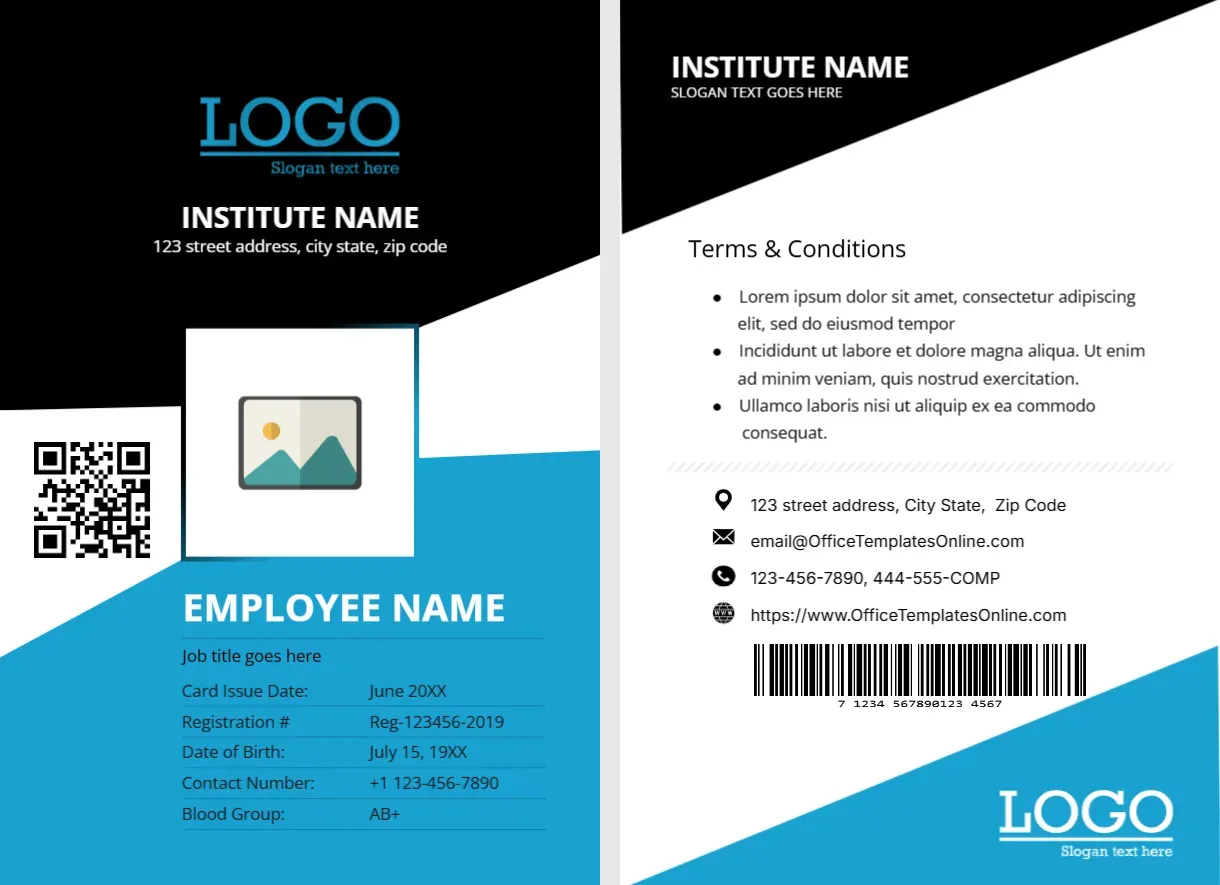
The card is portrait, 2.63 x 3.88 inches. The top is black with a diagonal edge, carrying a blue LOGO, INSTITUTE NAME in white and a line for the street address. A white square holds the photo placeholder, with a QR code tile at its left. The lower half is sky blue, with EMPLOYEE NAME in white capitals and Job title goes here beneath. A table lists Card Issue Date: June 20XX, Registration #: Reg-123456-2019, Date of Birth: July 15, 19XX, Contact Number: +1 123-456-7890 and Blood Group: AB+. A white LOGO sits at the lower right. The font is Open Sans.
Teacher Card Back: Terms, Address and Barcode
The back is white with a black angled header that carries INSTITUTE NAME and a line for a slogan. A Terms and Conditions heading has three bullets of placeholder text. Below, a dotted divider leads to four icon lines for address, email, phone numbers and website, and a wide barcode picture sits at the bottom, with a blue edge at the right.
Roles You Can Print on the Same Card
| Role | Text for the title line |
|---|---|
| Class teacher | Class Teacher, Grade 5 |
| Subject teacher | Teacher of Mathematics |
| Head of department | Head of Science |
| Administrator | School Administrator |
| Support staff | Teaching Assistant |
Registration Numbers in Schools
The Registration # row is meant for the teacher’s staff number or professional registration. Use the number the school holds in its records. If the teacher also has a national teaching registration, add it. Make sure the number matches the school’s files, because security staff may compare them.
Data You May Prefer to Leave Off
A school card does not always need a date of birth or blood group. Parents and visitors who see the card do not need that information, and it adds privacy risk. Consider replacing those rows with Department, Employee ID and Valid Until. Follow your school’s data protection rules.
Using the Codes
The QR code on the front and the barcode on the back are pictures. Replace them with working codes linked to your attendance system, library or door access, or delete them. A card that looks like it scans but does not may frustrate staff.
Photographs and Updating
Click the photo placeholder and choose Replace Image. Use a clear, recent portrait. Update cards each academic year, and print a new expiry date. Keep spare cards for new staff, so that nobody waits long at the start of term.
Printing for the Staff Room
Print on 250 to 300 gsm card stock, both sides, and laminate. Punch a slot for a lanyard. If you issue cards to the whole staff, print them in one batch, and check each name against the staff list.
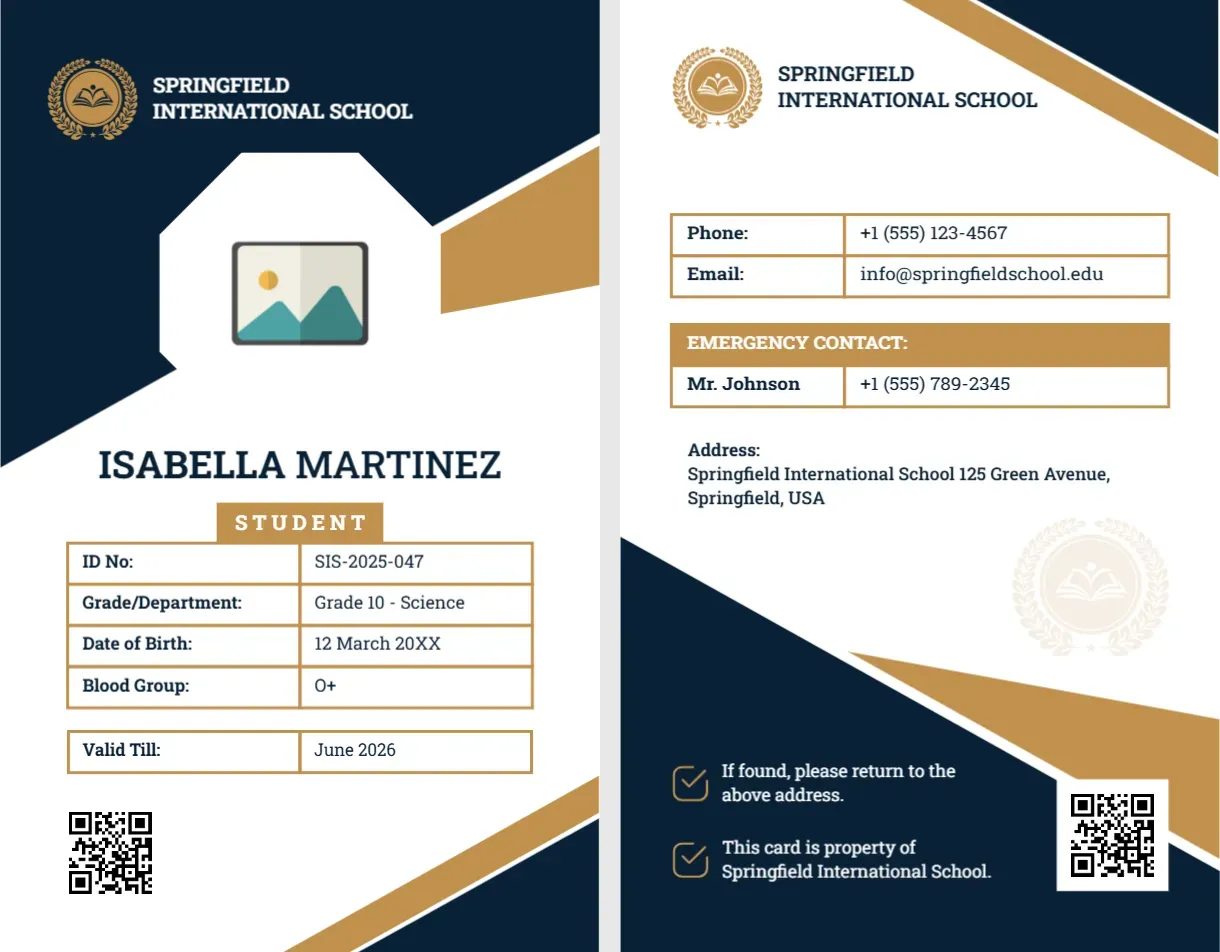
For a student card in navy and gold, see the educational institution ID card. For a corporate staff card, see the business ID card. More are in ID cards.