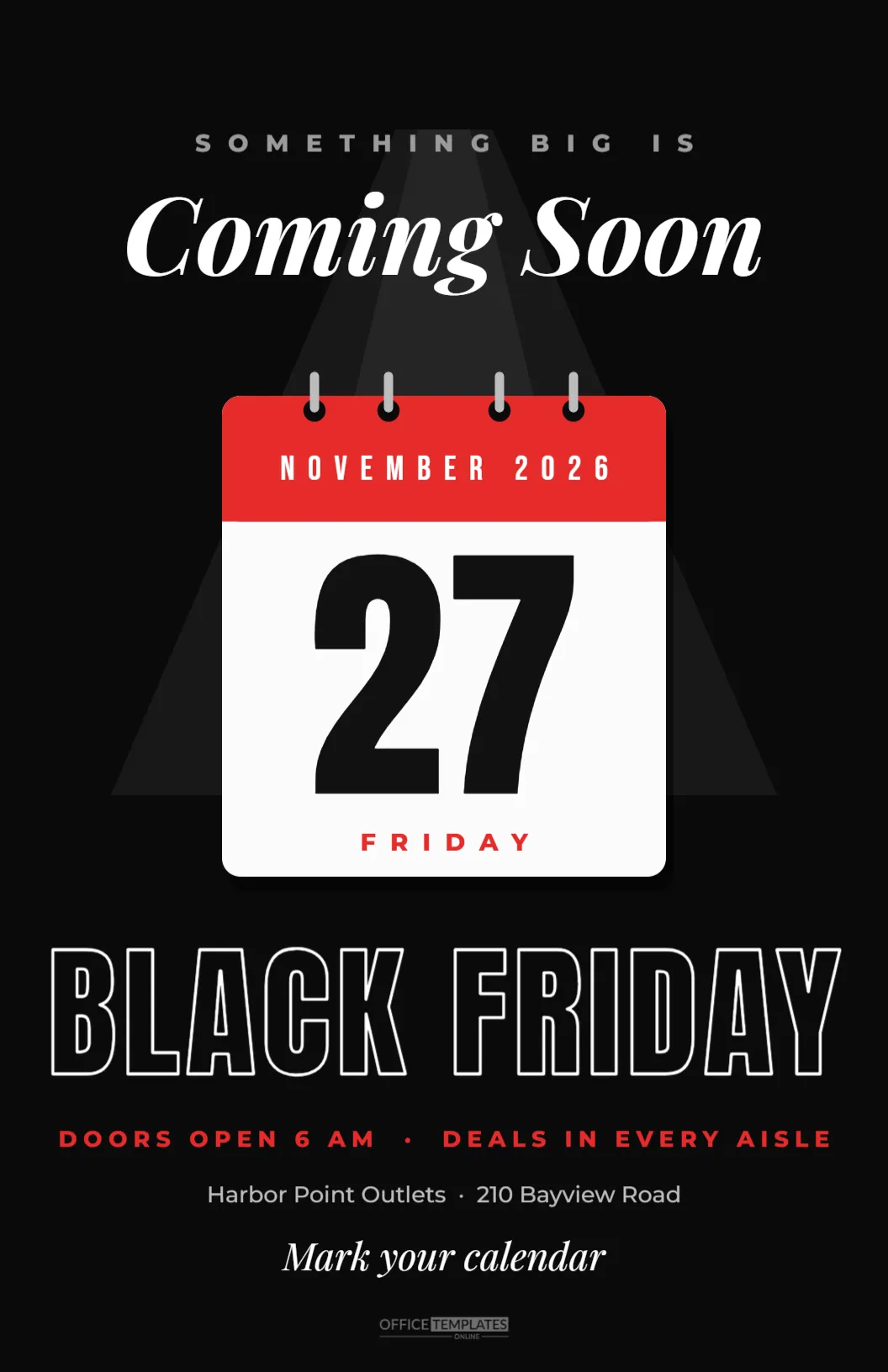
The best Black Friday sales start before Black Friday. A teaser poster in your window or on your counter a week or two ahead tells regular customers to save the date and plan their visit. This Coming Soon Poster builds that anticipation with a dramatic spotlight, a big calendar page showing the day, and just enough information to make people curious.
What the Coming Soon Poster Looks Like
The poster is 11 x 17 inches, the tabloid size that most print shops and many office printers handle. The background is black. A soft cone of light falls from the top of the poster, as if a spotlight is shining on the centre.
At the top, SOMETHING BIG IS appears in small, widely spaced grey capitals, followed by Coming Soon in large white Playfair Display italic. In the spotlight hangs a tear-off calendar page: a white sheet with rounded corners, four binder rings at the top, a red header reading NOVEMBER 2026 and a huge black 27, with FRIDAY in red beneath. A subtle shadow lifts the page off the background.
Below the calendar, BLACK FRIDAY is set in tall outlined Anton letters, white strokes on black. Then come the details in red capitals: DOORS OPEN 6 AM · DEALS IN EVERY AISLE, the store name and address in grey, and a final line in italic: Mark your calendar. The brand mark sits at the bottom.
Why a Teaser Poster Works for Black Friday
- It plants the date. Customers who see the poster a week early plan their trip around it.
- It creates curiosity. Not revealing the exact deals makes people want to come back.
- It shows confidence. A store that announces a big event early looks busy and established.
- It supports social posts. A photo of the poster in your window makes an easy teaser post.
Editing the Calendar Page
The calendar is a group of shapes and text. Double-click into it to change the month, the date, and the weekday. If your event is Small Business Saturday, change 27 to 28 and FRIDAY to SATURDAY; for Cyber Monday, use 30 and MONDAY. The red header can be recoloured to match your brand.
Writing the Teaser Lines
The top lines should hint, not explain. Something big is coming works for most shops, but you can personalise it:
- Our biggest sale ever is coming.
- You will want to be here.
- Set your alarm.
- The countdown has started.
Keep the bottom details practical: the opening time, the store name and address. If you have an online sale too, add your website on the address line.
Where to Put the Coming Soon Poster
| Location | When |
|---|---|
| Shop window | Two weeks before |
| Next to the till | Two weeks before |
| Staff room | Three weeks before, so the team knows |
| Community noticeboards | One to two weeks before |
| Office lobby or mall directory | One week before, with permission |
Printing the Black Friday Teaser Poster
Download the PDF and print at 11 x 17 inches. Because the poster is mostly black, a print shop will give a richer, more even black than a home printer. Ask for a matte or satin finish to reduce reflections in a window. If you only have a Letter printer, print at Letter size; the layout scales down proportionally, although the outlined letters will become thinner.
Turning the Poster Into a Countdown
For a fun in-store build-up, print the poster and add a small sticky note or card next to the calendar each day showing how many days remain: 7 days to go,6 days to go, and so on. Customers who visit often will notice the countdown, and staff can mention it at the till.
Matching Social Media Teasers
Download a PNG version too. Post it on social media with a caption such as: Mark your calendar: Friday, November 27, doors at 6 AM. You can also crop just the calendar page as a square image for Instagram, which makes a simple and striking teaser post.
Black Friday Coming Soon Poster for Online Shops
Online-only businesses can use the poster as a digital teaser. Change DOORS OPEN 6 AM to SALE STARTS AT MIDNIGHT, replace the address with your website, and add Sign up for early access as the last line. Share it in emails and on social media the week before.
Changing the Poster’s Mood
The black background and spotlight are dramatic. For a friendlier version, change the page to deep red and keep the calendar white, or switch to navy with a gold calendar header for a premium look. The spotlight shapes are grouped and semi-transparent, so they work on any dark colour.
Telling Your Team About the Big Day
A coming soon poster in the window means customers will start asking questions. Make sure your team knows the answers before the poster goes up: the opening time, whether there will be doorbusters, whether online prices match in-store prices, and how returns work for sale items. A short briefing sheet behind the till keeps everyone consistent. Customers notice when staff are excited and informed, and that enthusiasm adds to the buzz the poster creates.
Black Friday Window Display Ideas
The poster works even better as part of a window display. Hang it at eye level in the centre of the window and build around it with a few wrapped boxes, shopping bags or products under covers, hinting at the deals to come. A string of warm lights around the window frame draws the eye at night, when people walk past after work. On the day itself, swap the poster for a Sale Now On sign so the window keeps telling the story.
Capturing Interest Before the Sale
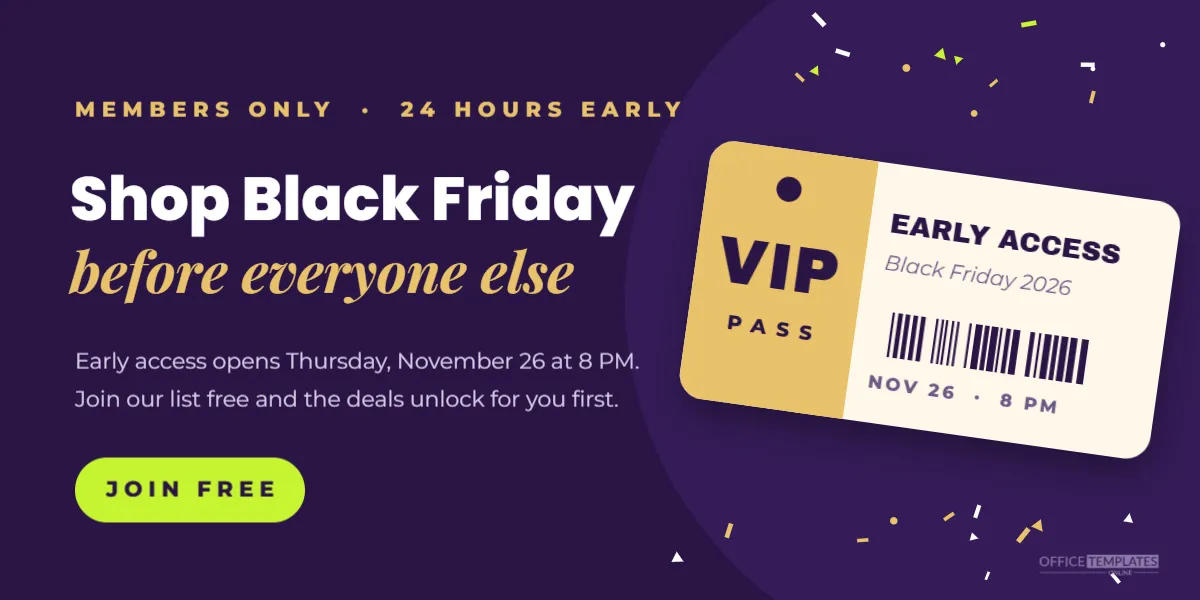
Teaser posters are a good chance to grow your customer list. Add a small QR code beside the address line linking to an email sign-up page with a line such as Get the deals first. People who scan it are your most interested customers, and you can send them the full list of deals the evening before Black Friday. Keep the sign-up form short, and make sure people know what they are signing up for.
Coming Soon Poster Questions
Can I reveal the discount?
Yes, if you prefer. Replace Mark your calendar with Up to 50% off storewide.
Can I use it for other events?
Change the calendar date and BLACK FRIDAY to any launch, grand opening, or anniversary sale.
How far ahead should it go up?
One to two weeks is usually right: early enough to plan, close enough to remember.
Anticipation is part of the fun. Put the date in the spotlight, hang the poster where your customers will see it, and let the countdown to Black Friday begin.