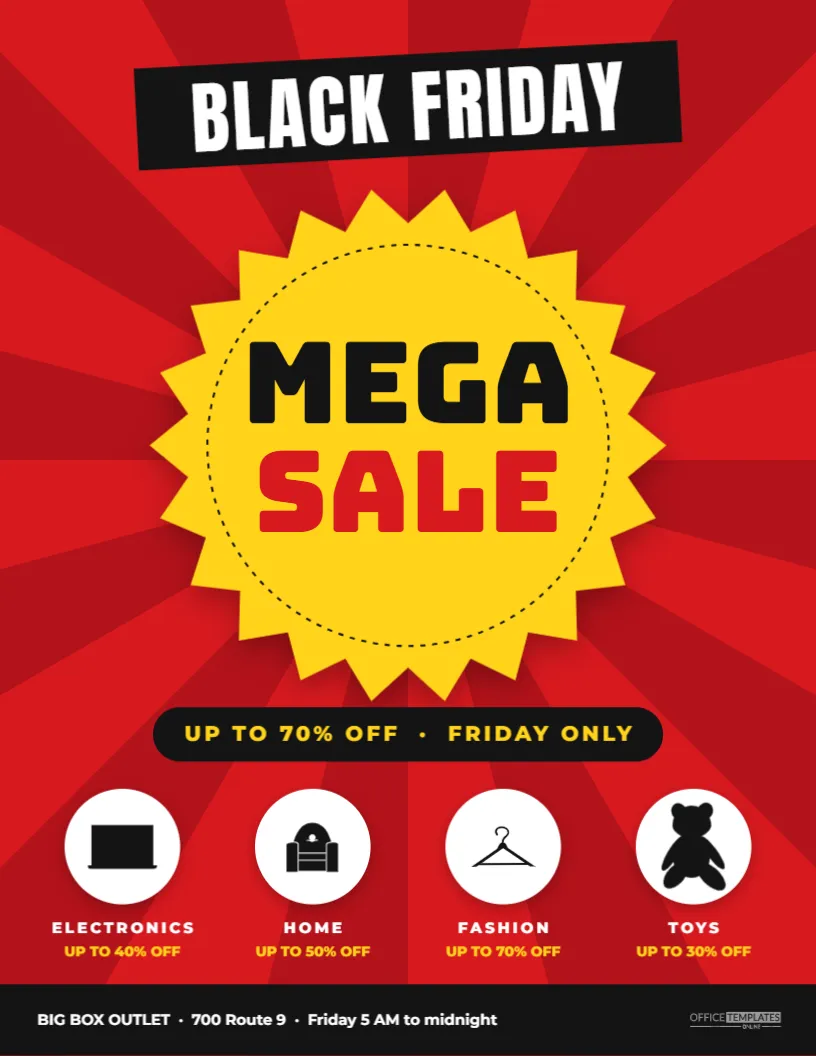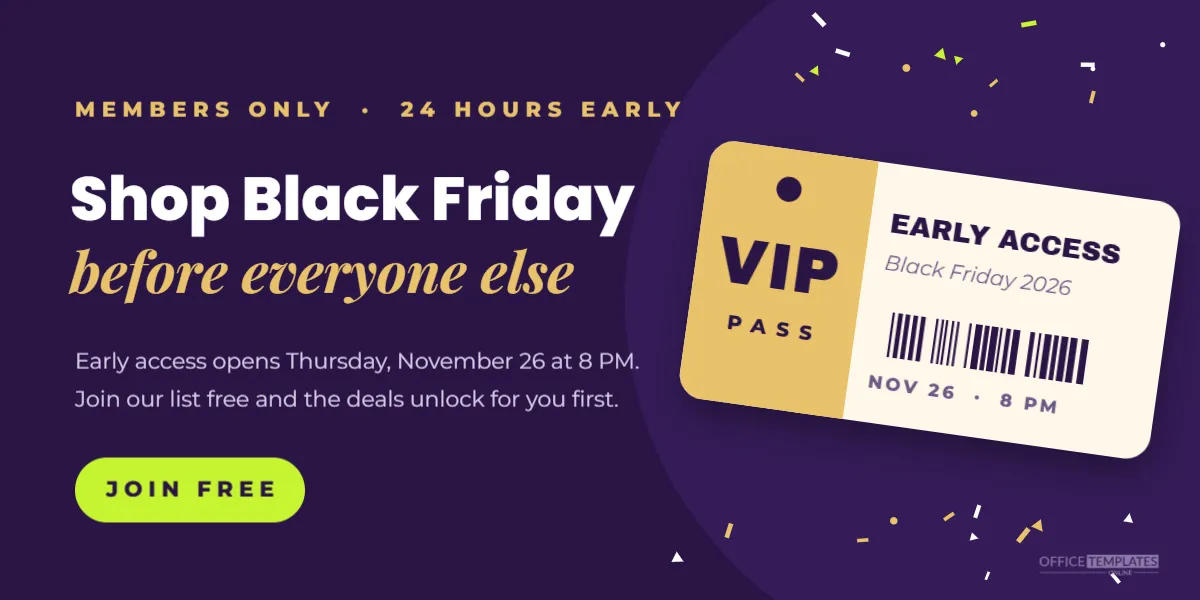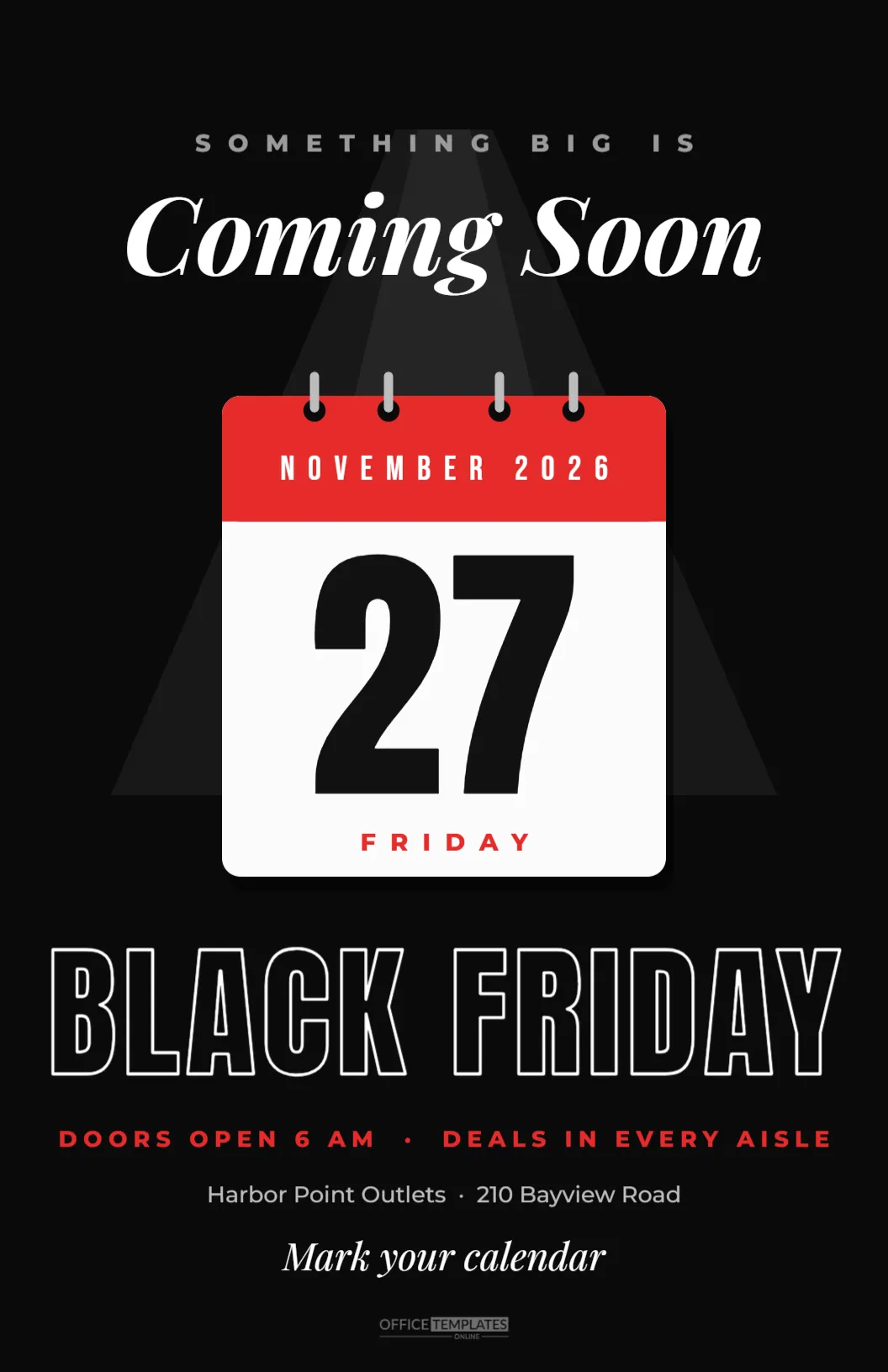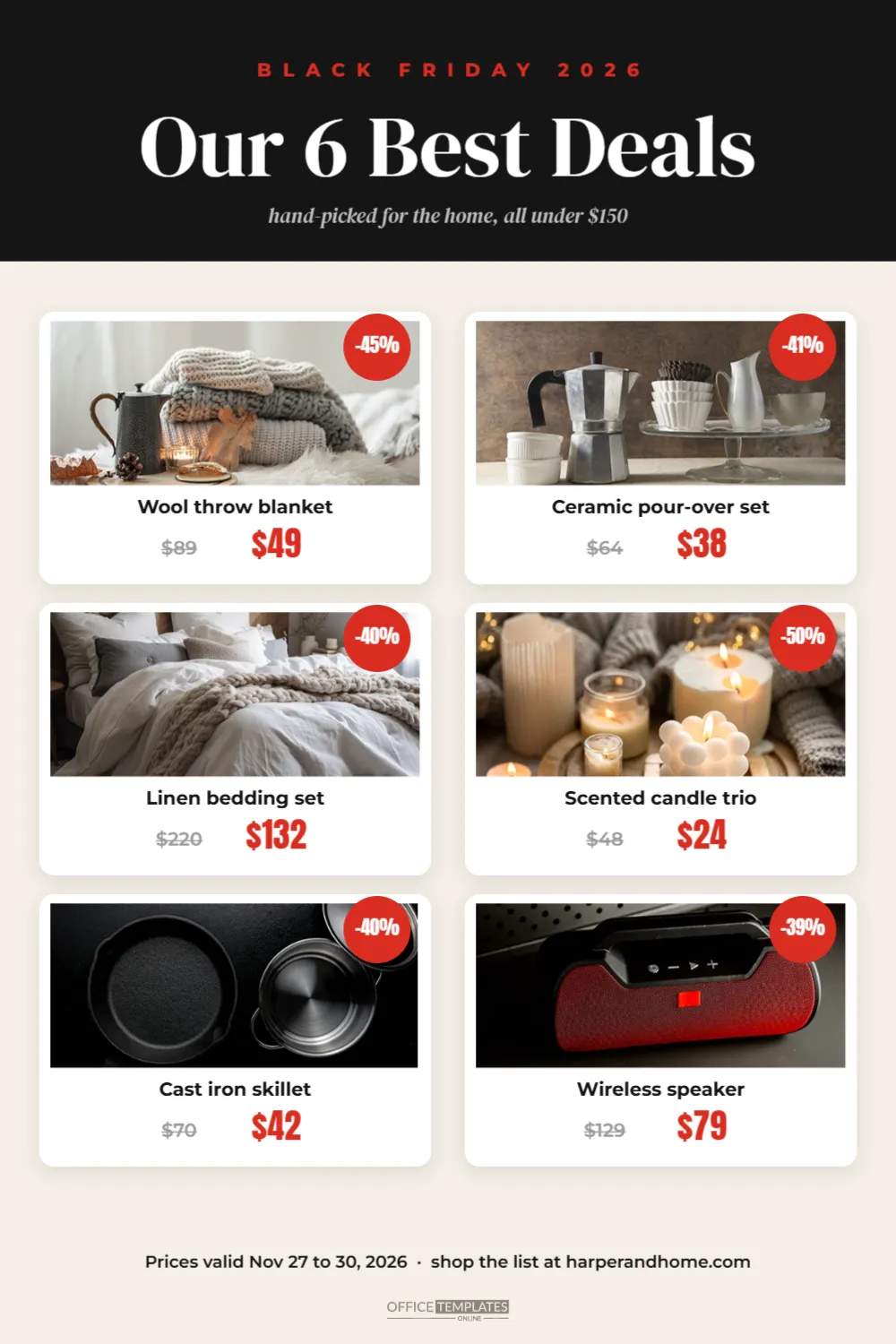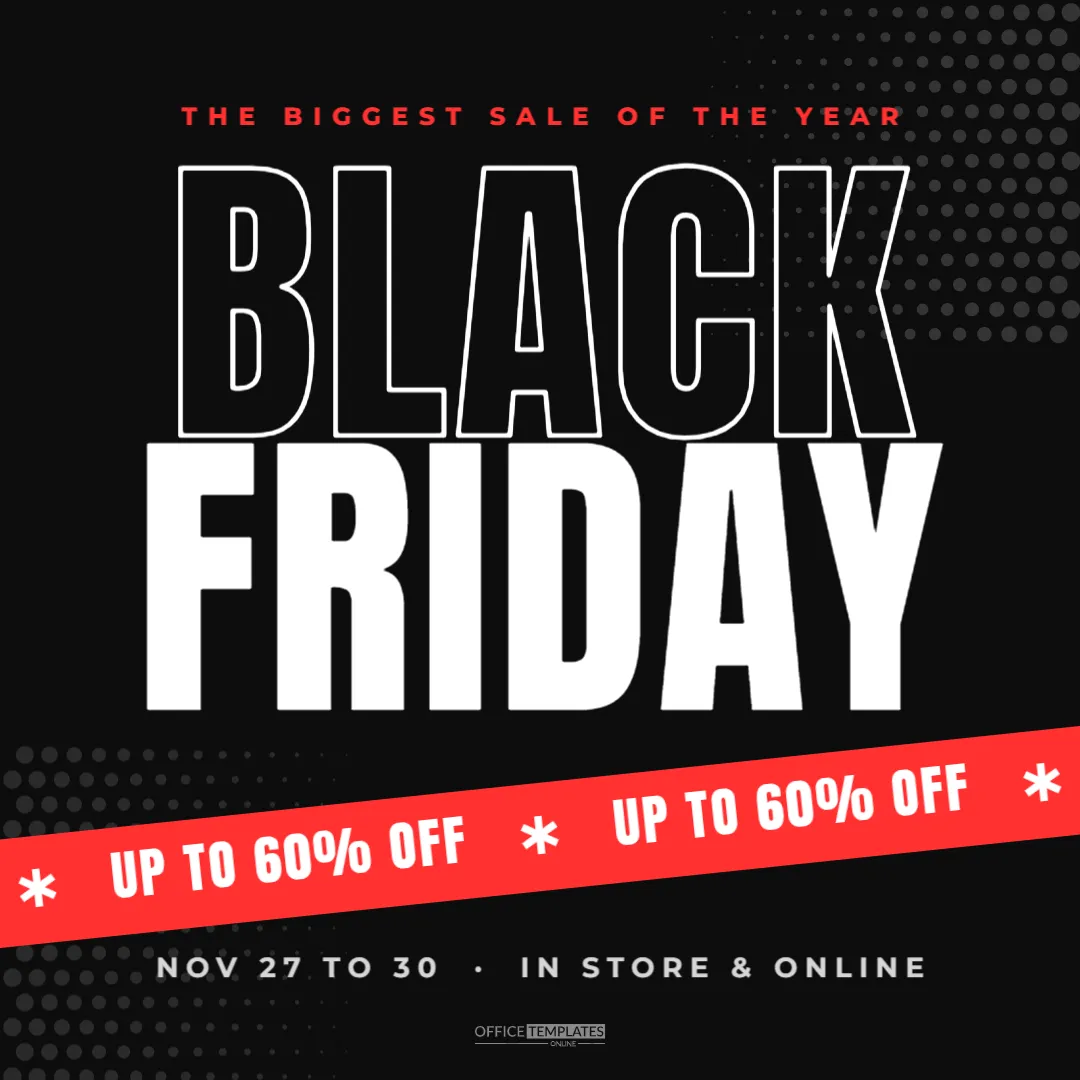
The printed Black Friday ad is a tradition. Shoppers circle deals, plan their route through the store, and bring the flyer with them at dawn. This letter-size flyer recreates that classic weekly-ad style for any retailer: a bold masthead, a doorbuster banner, and six product boxes with prices, savings badges, and photos, all easy to edit.
Parts of the Black Friday Sale Flyer
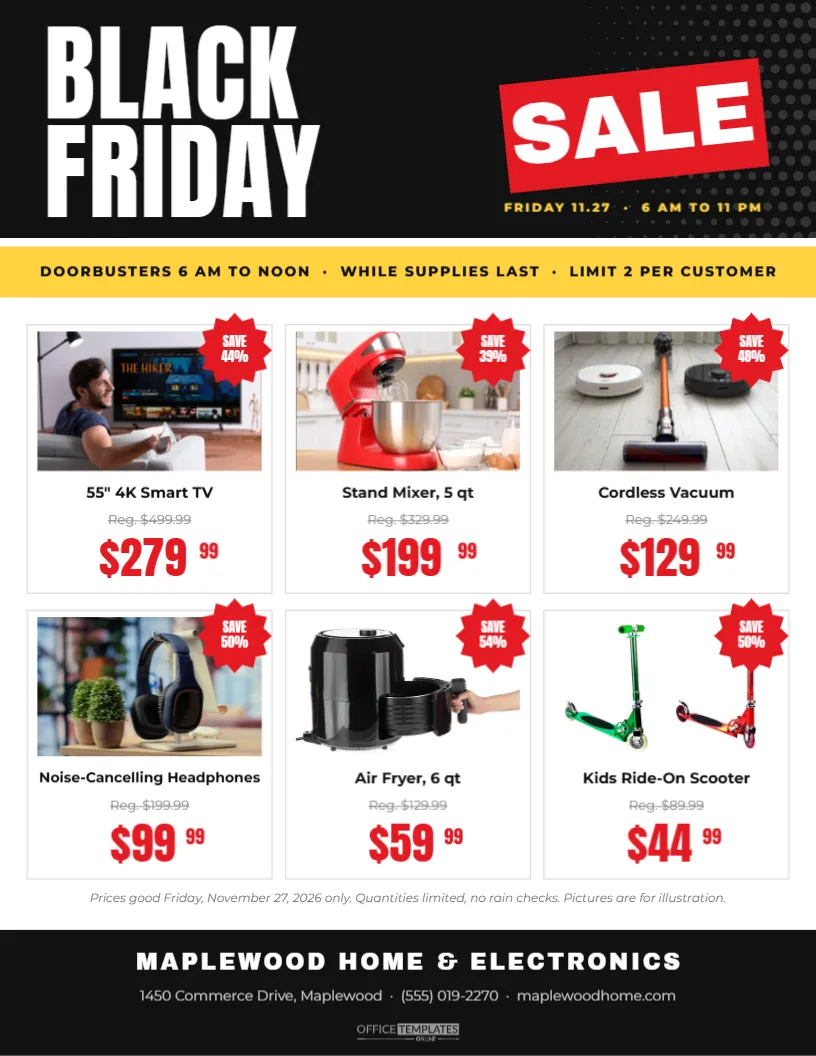
The flyer is US Letter, 8.5 x 11 inches, portrait. The top is a black masthead with BLACK and FRIDAY stacked on the left in big white Anton letters and fine white halftone dots fading in from the right. A red slab with SALE in heavy white letters sits tilted on the right, with the date and hours in yellow beneath it: FRIDAY 11.27 · 6 AM TO 11 PM.
A yellow strip runs across the page under the masthead: DOORBUSTERS 6 AM TO NOON · WHILE SUPPLIES LAST · LIMIT 2 PER CUSTOMER. Below it are six product boxes in two rows of three. Each box has a photo area, a red starburst in the corner showing the savings, the product name in bold, the regular price struck through in grey, and the sale price in large red condensed numbers with small raised cents, the way prices appear in store ads.
A line of small italic terms sits under the grid. The black footer carries the store name in heavy capitals, the address, phone number, and website, plus the brand mark.
Sample Deals in the Flyer
| Product | Regular | Sale | Saving |
|---|---|---|---|
| 55″ 4K Smart TV | $499.99 | $279.99 | 44% |
| Stand mixer, 5 qt | $329.99 | $199.99 | 39% |
| Cordless vacuum | $249.99 | $129.99 | 48% |
| Noise-cancelling headphones | $199.99 | $99.99 | 50% |
| Air fryer, 6 qt | $129.99 | $59.99 | 54% |
| Kids ride-on scooter | $89.99 | $44.99 | 50% |
Replace them with your own products and prices; the savings badges need updating by hand when prices change.
Choosing Products for a Black Friday Flyer
Retail flyers follow a simple logic. Put your most exciting deal in the first box, top left, where eyes land first. Mix categories so the flyer appeals to many shoppers: one big electronics item, one kitchen item, one home item, one gift idea, and one deal for kids. Lead with genuine doorbusters, the deals that bring people through the door, and save smaller discounts for the shelves.
Adding Product Photos
Click a photo area and choose Replace Image. Product photos on white or light grey backgrounds look most like a professional store ad. Keep the product centred and fill most of the frame. If you do not have photos, many brands provide official product images to their retailers; check your supplier’s media resources and their terms of use.
Editing Prices the Right Way
- Change the product name first and keep it to one line.
- Update the regular price, keeping the Reg. label so the comparison is clear.
- Edit the sale price: the dollars and cents are separate text boxes so the cents can stay small and raised.
- Recalculate the savings and update the starburst.
- Check every price against your till system before printing.
Writing the Terms Line
Black Friday flyers usually carry short terms: the dates prices are valid, quantity limits, and a note that pictures are for illustration. Keep the terms honest and simple. If a deal applies only in certain stores or online, say so. Clear terms protect you and avoid disappointment at the till.
Printing and Distributing the Flyer
Download the PDF and print in colour. For a counter handout, ordinary paper is fine; for a mailing or a newspaper insert, ask a print shop about glossy paper and bulk quantities. Many shops also hand the flyer out at the door on Black Friday morning, so shoppers can plan their route. Shrink it to a PNG for an email or a social post too; the six-box layout is easy to read on a screen.
Changing the Black Friday Flyer Look
The black, red, and yellow palette is classic and loud. For a supermarket, try red and white with a green strip. For a hardware store, orange and black suit. For a boutique, black and blush pink with a serif headline feels more refined. The product box layout works with any palette.
Turning the Flyer Into a Two-Page Ad
If you have more deals than boxes, add a second page and duplicate the grid. Put doorbusters on page one and all weekend deals on page two, with a different strip colour so shoppers can tell them apart.
Sale Flyer Accessibility
Keep text large enough to read without glasses, which is why the prices are high and bold. Avoid placing text over busy photos, and keep strong contrast between text and background. A readable flyer is one customers actually use.
Planning Stock for Flyer Deals
Every product on the flyer creates demand, so make sure you can meet it. Check stock levels before printing and order extra for the doorbusters. Decide on quantity limits per customer and print them in the strip. Prepare rain check rules, or a clear no rain check policy, in case items sell out. Customers who travel to your store for a flyer deal and find empty shelves remember it, so plan generously for the items in the first row.
Laying Out the Store to Match the Flyer
When shoppers arrive with the flyer in hand, help them find each deal. Put flyer products near the entrance or in clearly signed areas, use matching red and yellow shelf signs, and add the same starburst graphics on the shelf edge. Some stores print a small map on the back of the flyer showing where each deal is. A smooth path through the store means faster sales and shorter queues at the tills.
Black Friday Sale Flyer Questions
Can I show more than six products?
Yes. Shrink the boxes into a three-by-three grid, or add a second page.
Can I add a QR code?
Add a QR code linking to your online sale in the footer, next to the website.
Can I use it for Cyber Monday?
Change the masthead to CYBER MONDAY and the doorbuster strip to an online-only message.
A clear flyer turns browsers into planners and planners into buyers. Add your best deals, check your prices, and get your Black Friday ad into customers’ hands.