A Square Teaser That Builds Curiosity Before a Launch
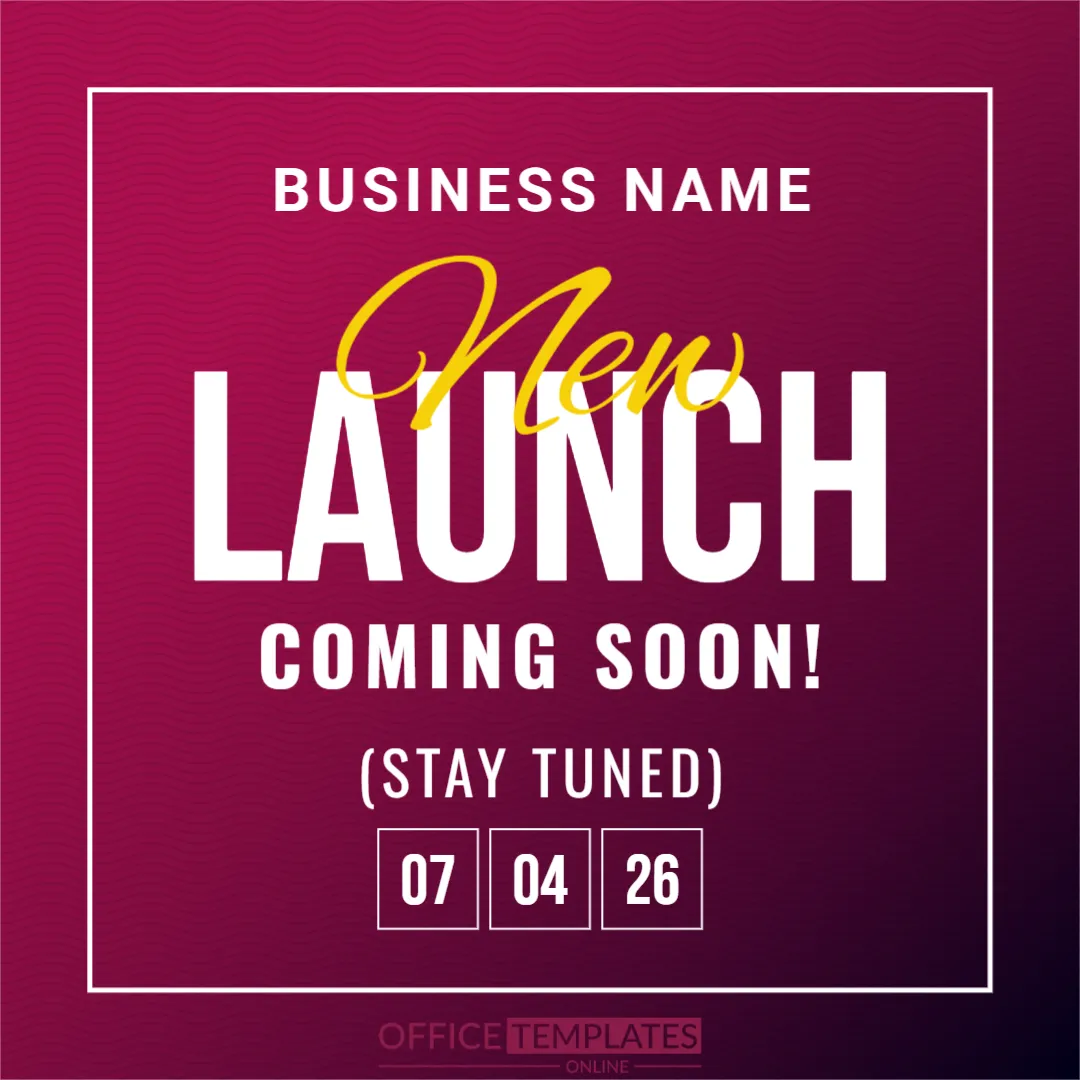
Before a product goes on sale, a short teaser can get people talking. This square post uses a deep magenta gradient, a thin white frame and very large white letters that spell LAUNCH, with a yellow script word New written across it. A line says COMING SOON and three boxed numbers show the date. It suits brands, shops and startups that announce a product on Instagram, Facebook or LinkedIn.
Square Format With a White Frame
The post is 1080 x 1080 pixels, a square, one page. A thin white line frames the centre of a gradient that runs from raspberry at the top to near black at the foot. BUSINESS NAME sits at the top in spaced white capitals. Everything is centred, which makes the post easy to read on a phone. The fonts are Oswald, Roboto, Bebas Neue and Alex Brush.
Headline, Teaser Line and Date Boxes
The word New is in yellow script and overlaps the huge LAUNCH. COMING SOON! is in white spaced capitals, and (STAY TUNED) sits below it. At the foot, three outlined boxes show 07, 04 and 26. The numbers are not labelled, so a viewer could read them as day, month and year in any order. Replace them with a date format that your audience understands, such as 07 April 2026, or use words in one box.
Replace These Before You Post
- BUSINESS NAME with your brand.
- The three date boxes with a clear launch date.
- The word New, if the product has a name to tease.
- The line STAY TUNED, with a link or a hashtag in the caption.
- Any detail that gives away the product too early.
Planning a Teaser Series
One post is rarely enough. Plan three: a mystery post a week before, this dated teaser three days before, and a reveal on launch day. Keep the same colours and layout so that followers recognise each post and know that they belong together.
Writing the Caption
Use the caption to add what the image cannot: the benefit, the time of day and a call to action, such as turning on notifications. Add two or three relevant hashtags, and avoid long paragraphs, since most readers skim.
Saving and Posting the Magenta Teaser
Save the finished design in the image format that your platform accepts and check it on a phone before you post. White text on magenta stays readable at small sizes, but long captions should stay in the post text, not on the image.
Step by Step Editing of the Magenta Coming Soon Post Design
- On the magenta coming soon post design, click the main headline and type your own words, keeping a similar length.
- Retype every name, date and contact line on the magenta coming soon post design, checking each against a trusted source.
- Search the magenta coming soon post design for the words Lorem and Company so that no placeholder remains.
- Click any logo or photo on the magenta coming soon post design, choose Replace Image and resize the new picture to fit.
- Zoom the magenta coming soon post design to full size and read each line aloud before you save it.
- Keep a clean master of the magenta coming soon post design without private details, so later versions start tidy.
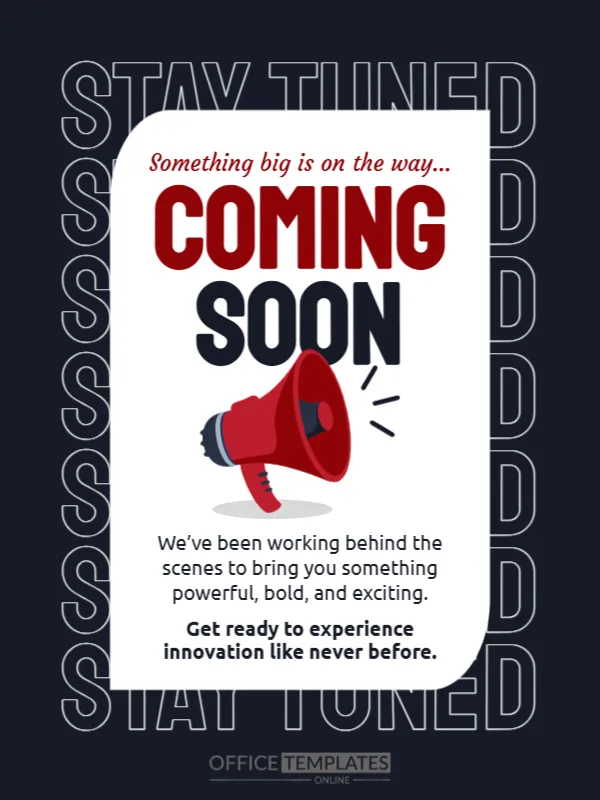
For comparison, open the new service announcement post. Consider the new product announcement template. Similar designs include the coming soon teaser in dark theme. Find more designs next to the magenta coming soon post design in announcements.