Do Remote Workers Even Need a Card?
It sounds odd, since a remote worker rarely hands anyone a card across a desk. But remote staff do meet clients, attend conferences, join team retreats and visit partners, and at those moments a card is useful. It also works as a digital business card: a clean image you can attach to an email, add to a profile or drop into a conference app. A card that says REMOTE WORKER openly also tells people where you work, which avoids confusion about the address and the time zone.
The Black and Red Wave Card
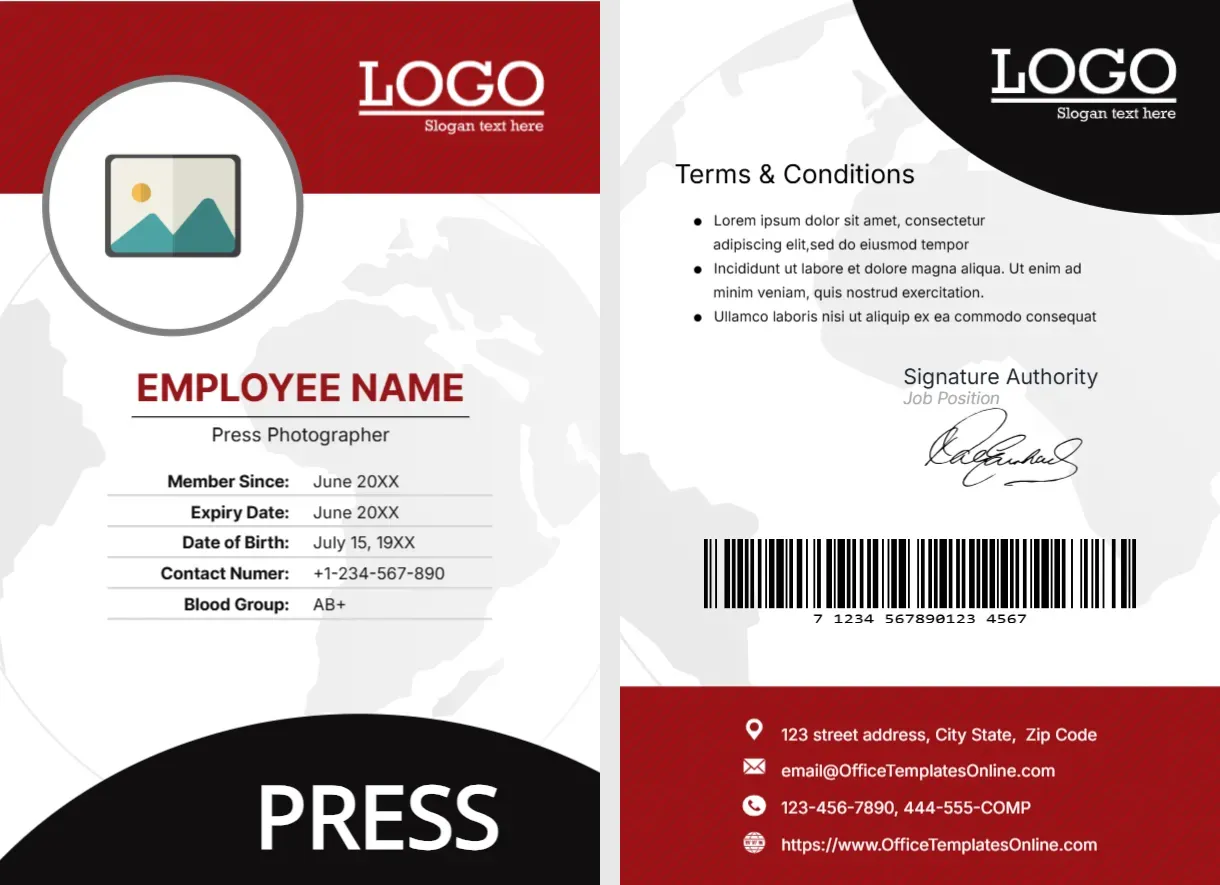
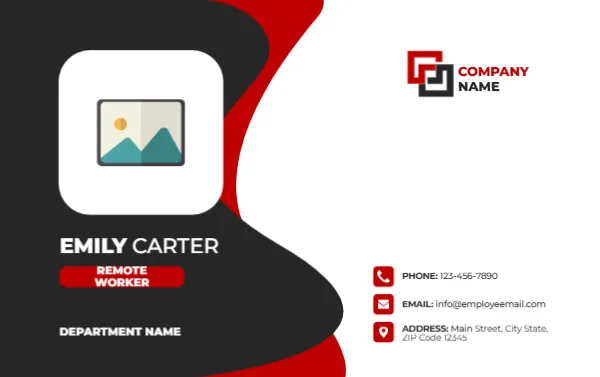
The card is 3.375 x 2.125 inches in landscape. The left half is a dark charcoal wave that curves across the card with a thin red edge on the outside, as if a ribbon was folded behind it. A large white rounded square holds the photo placeholder at the top left of this wave. Under it, the name EMILY CARTER is set in white capitals, with a red tag reading REMOTE WORKER, and DEPARTMENT NAME beneath in bold white.
The right half is white. At the top, a red and black logo block sits with COMPANY NAME. Lower down, three red square icons show a phone, an envelope and a map pin, with PHONE 1234567890, EMAIL [email protected] and ADDRESS Main Street, City State, ZIP Code 12345 in black.
What to Put on the Address Line
A remote worker may not want to print a home address on a card. Use the company’s head office address, or replace the line with a city and country, such as Lisbon, Portugal, or a time zone such as GMT plus 1. Another option is to replace the address with a website or a scheduling link. Think about who will see the card, and share only what you are comfortable with.
| Address line | When to use it |
|---|---|
| Head office address | For formal clients who expect a company address |
| City and country | When location matters but privacy does too |
| Time zone | For global teams that schedule calls across regions |
| Website or calendar link | When you prefer people to book a call |
Editing the Role Tag
The red tag reads REMOTE WORKER. You may prefer your real job title, such as Software Engineer or Customer Success Manager, and then add “Remote” in the department line. A card should answer the question “what do you do?” first. Use the tag for your title, and show the remote status somewhere else, for example in the address line.
Using a Photo on a Distributed Team
In a team where people rarely meet, a face on the card helps. Click the placeholder and choose Replace Image to use your photograph, ideally a friendly head and shoulders picture. A consistent style across the team makes the cards look like a set.
Sharing the Remote Worker Card Digitally
Save the finished card as a PNG and add it to your email signature, your online profile or a conference app. A digital card carries the same details as a printed one, and it can be updated quickly. If you print, order a small batch for events, since most contact will be online.
Printing the Wave Card on Dark Stock
The dark wave uses more ink than light designs, so print one test copy. Use 300 gsm matte card stock, and cut to size. Eight cards fit on a letter sheet. A soft touch laminate works well on a dark design, because it hides fingerprints.
For other staff cards in this family, see the sales representative name card and the intern name card. More are in ID cards.