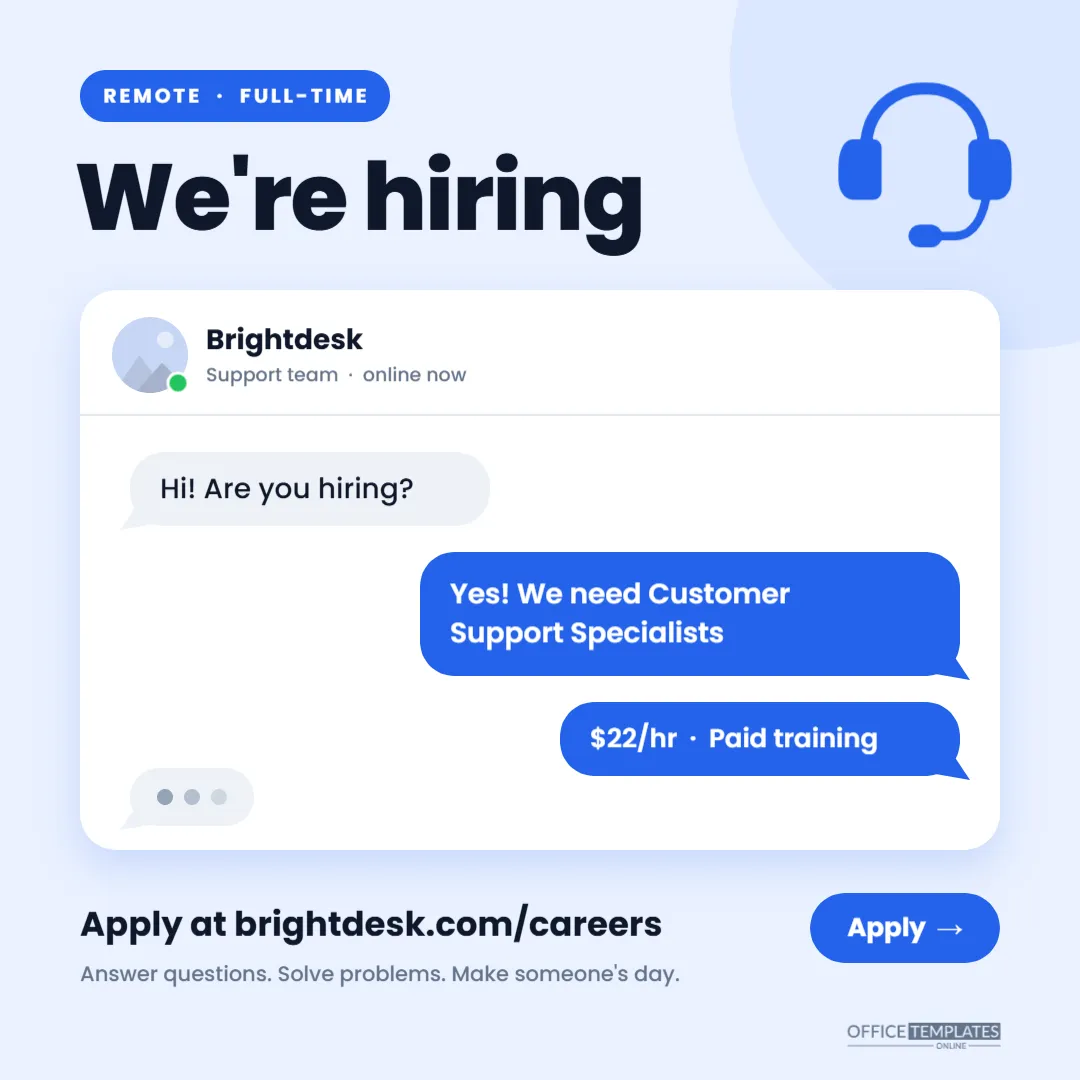
The best job ad for a customer support role is a support conversation. This square social media post is designed as a live-chat window: a candidate asks Hi!Are you hiring? The company answers, Yes!We need Customer Support Specialists; a second bubble adds the pay and training, and three typing dots suggest there is more to say. Above the chat, a bold We’re hiring headline and a headset icon make the purpose obvious even at thumbnail size. It is built at 1080 x 1080 pixels, the standard square size for Instagram feed posts, and works equally well on LinkedIn, Facebook, and X. Use it for help desks, call centres, SaaS customer success teams, e-commerce brands, and remote support agencies.
Why a Chat Window Suits a Support Role
Support agents spend their days in chat tools, ticket queues and phone calls. Showing the job as a friendly, quick exchange signals what the work feels like and what kind of communicator you want. It also reads naturally in a social feed, where people are used to seeing screenshots of messages. The tone of the bubbles- short, warm, and helpful does part of the screening for you: candidates who enjoy writing like that are the ones who apply.
What’s Inside the 1080 x 1080 Square
- Background: a soft powder blue, with a larger pale blue circle in the top-right corner behind a bright blue headset icon.
- Top left: a blue pill reading REMOTE · FULL-TIME, then We’re hiring in extra-bold dark navy Poppins.
- The chat card: a white rounded panel with a soft blue shadow. Its header shows a round avatar slot (for your logo or a team member’s photo) with a green online dot, the company name Brightdesk, and Support team · online now, separated from the messages by a thin line.
- Messages: a grey incoming bubble (Hi!Are you hiring?), two blue outgoing bubbles (Yes!We need Customer Support Specialists and $22/hr · Paid training), and a grey typing indicator with three dots. Each bubble has a small tail, like a real messaging app.
- Bottom:Apply at brightdesk.com/careers in bold, the line Answer questions. Solve problems. Make someone’s day, a blue Apply button with an arrow, and our small logo in the corner
Rewriting the Conversation for Your Company
- Avatar: click the round image in the chat header and choose Replace Image to add your logo or a friendly team photo.
- Name and status line: double-click to replace Brightdesk with your company name. Support team · online now can become your team name or Hiring team.
- The question: keep Hi! Are you hiring? or change it to something your customers actually ask.
- The answer: put the job title in the first blue bubble. If the title is longer, widen the bubble shape so the text keeps comfortable padding.
- The details bubble: pay, schedule, or a headline perk, such as Remote · 4-day week.
- The apply line: your careers page. Keep the address short enough to fit on one line at this size.
- Colours: change the blue bubbles, pill, and button to your brand colour; the white card and grey bubbles work with almost any accent.
Writing Bubbles That Sound Like a Real Chat
The charm of this design depends on the messages sounding like a genuine conversation, not a press release squeezed into speech bubbles. Keep each bubble to one idea and under about eight words, use contractions (we’re, you’ll) and a friendly exclamation mark or two, and let the question come from the candidate’s point of view. Good follow-up lines for the details bubble include Remote · $22/hr · Full benefits, Evenings and weekends available, or Training starts next month. Avoid jargon such as omnichannel or KPIs in the bubbles; save that for the job description behind the link. Read the finished chat out loud once; if it sounds like something your best support agent would type, it is ready to post.
A Week of Posts for One Opening
One post rarely fills a role. Recruiters who get results post the same opening several times with different angles. Here is a simple plan using this template and small variations of it:
| Day | Version of the post | Caption angle |
|---|---|---|
| Monday | The original chat, as designed | Announce the role and pay, link in bio |
| Wednesday | Answer bubble changed to Training starts June 3 | What the first two weeks look like |
| Thursday | Avatar replaced with a current agent’s photo | A short quote from someone on the team |
| Friday | Details bubble changed to Last week to apply | Deadline reminder with the application link |
Use the editor’s Add Page feature to keep all four versions in one file.
Alt Text for the Image
Instagram, LinkedIn, and Facebook let you add alternative text so screen-reader users hear what the image says. Paste in something like:
A chat window graphic. A customer asks: Hi! Are you hiring? The company replies: Yes! We need Customer Support Specialists. $22 per hour, paid training. Remote, full-time. Apply at brightdesk.com/careers.
Update it with your own job title, pay, and link. Accessible posts reach more people and signal that your company takes inclusion seriously.
Beyond Instagram: Other Places the Square Fits
- LinkedIn: square images display well in the feed and pair with a job post link.
- Facebook groups: local job groups and remote-work communities.
- WhatsApp and Telegram channels: a square image previews cleanly in chats.
- Your careers page: as a banner beside the job description.
- Employee sharing: send the PNG to your current team so they can share it with their networks.
Export Settings for a Crisp Social Post
Download as PNG for the sharpest text and flat colours; JPG is fine where file size matters. The canvas is already exactly 1080 x 1080 pixels, so there is no need to resize before uploading. Instagram keeps a square post uncropped in the feed, but check that the headline is visible in the grid preview on your profile, which trims slightly differently on some phones.
Questions About the Support Post
Can I turn this into a story?
Stories are 1080 x 1920 pixels. You can resize the canvas in the editor and rearrange the elements, placing the chat card in the middle of the taller space.
Can I add more messages?
Yes. Duplicate a bubble, move it into place, and edit the text. Keep the conversation short, three or four messages at most, so it stays readable on a phone.
Is the headset icon editable?
It is an editable vector graphic. Select it to recolour it from its colour swatch, or delete it if you prefer a cleaner corner.
Open the template, write the conversation your company would really have, add your logo, and publish it before your next support shift starts.