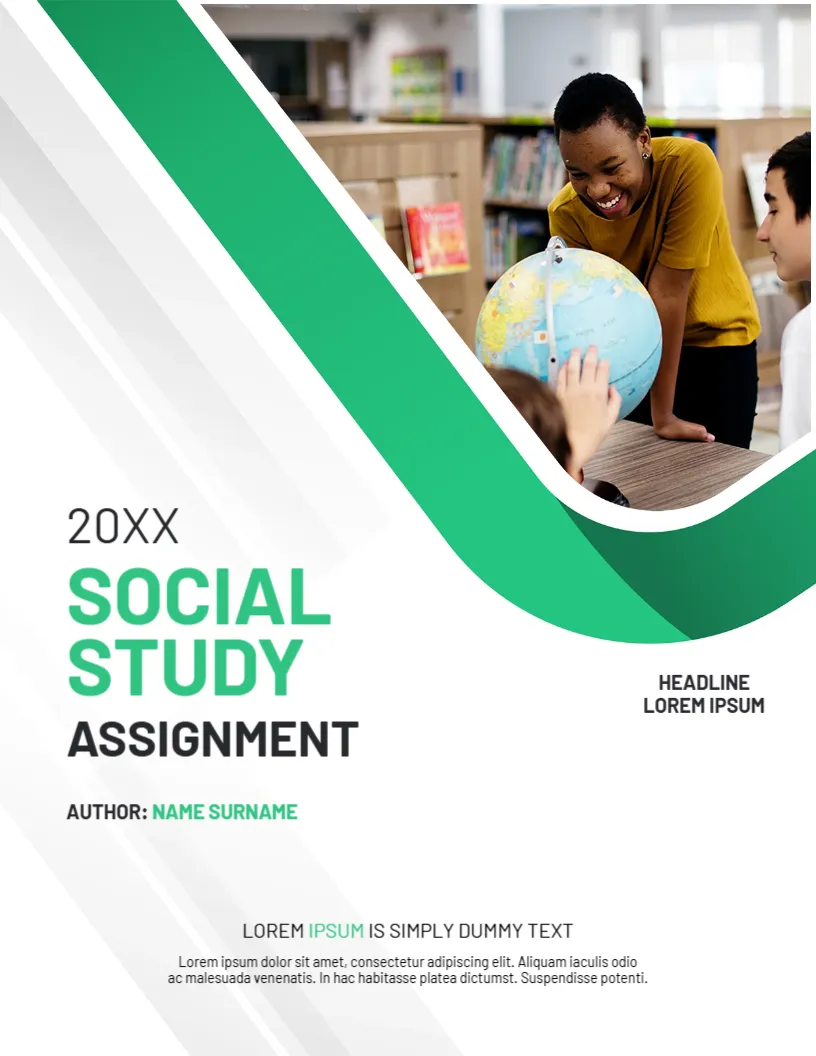
Two Students Reading Together, Framed in Green
A pair of students share a book at a library table in a curved photo at the lower right of this cover, with soft green bands sweeping above it on a mint page. The title UNIVERSITY ASSIGNMENT is in green and black. It suits a calm, fresh look.
Mint Page, Green Bands and Curved Photo
The page is 8.5 x 11 inches, portrait, one page. The title is at the left. A green icon of a cap and a student sits under a Prepared By line. The edition and year sit at the upper left. Two lines of placeholder text sit at the upper right.
Edition, Title and Prepared By
EDITION and 20XX sit at the top left, Text Replacement at the upper right, and UNIVERSITY ASSIGNMENT in green and black. PREPARED BY: FIRST, LAST NAME has a green vertical bar. Use the two upper right lines for the course and the lecturer, and Text Replacement for the date.
Choosing an Edition Line
- Spring or Autumn.
- First draft or final.
- Group A or Group B.
- Resubmission.
- Delete if not needed.
Mint and Green Together
The palette is calm and easy to read. Use dark green for text and keep the mint as a background.
Reading Groups
The photo shows a study pair. For a group assignment, add the other names in the Prepared By line.
Printing the Mint Cover
Print on 120 gsm paper in colour. The mint is a light tint, so use a good printer.
Step by Step Editing of the Mint Green Curves Reading Design
- On the mint green curves reading design, click the main headline and type your own words, keeping a similar length.
- Retype every name, date and contact line on the mint green curves reading design, checking each against a trusted source.
- Search the mint green curves reading design for the words Lorem and Company so that no placeholder remains.
- Click any logo or photo on the mint green curves reading design, choose Replace Image and resize the new picture to fit.
- Zoom the mint green curves reading design to full size and read each line aloud before you save it.
- Keep a clean master of the mint green curves reading design without private details, so later versions start tidy.
Drafting With the Brief Beside You
Keep the assignment brief open while you write. Tick each requirement when it is met. This avoids missing a section and losing marks.
Editing Before You Print
Read the paper aloud and check names, dates and references. Print one copy and read it on paper, where typing errors show up more clearly.
Checking the Edition Line Against the Brief
If the brief names a draft stage or a resubmission, say so in the edition line. A marker who sees Resubmission knows to look for changes and will read the paper with the earlier feedback in mind.
Compare it with the academic assignment cover page design. You may also like the student assignment cover page. For comparison, open the assignment cover page. Looking beyond the mint green curves reading design? See all assignment cover pages.